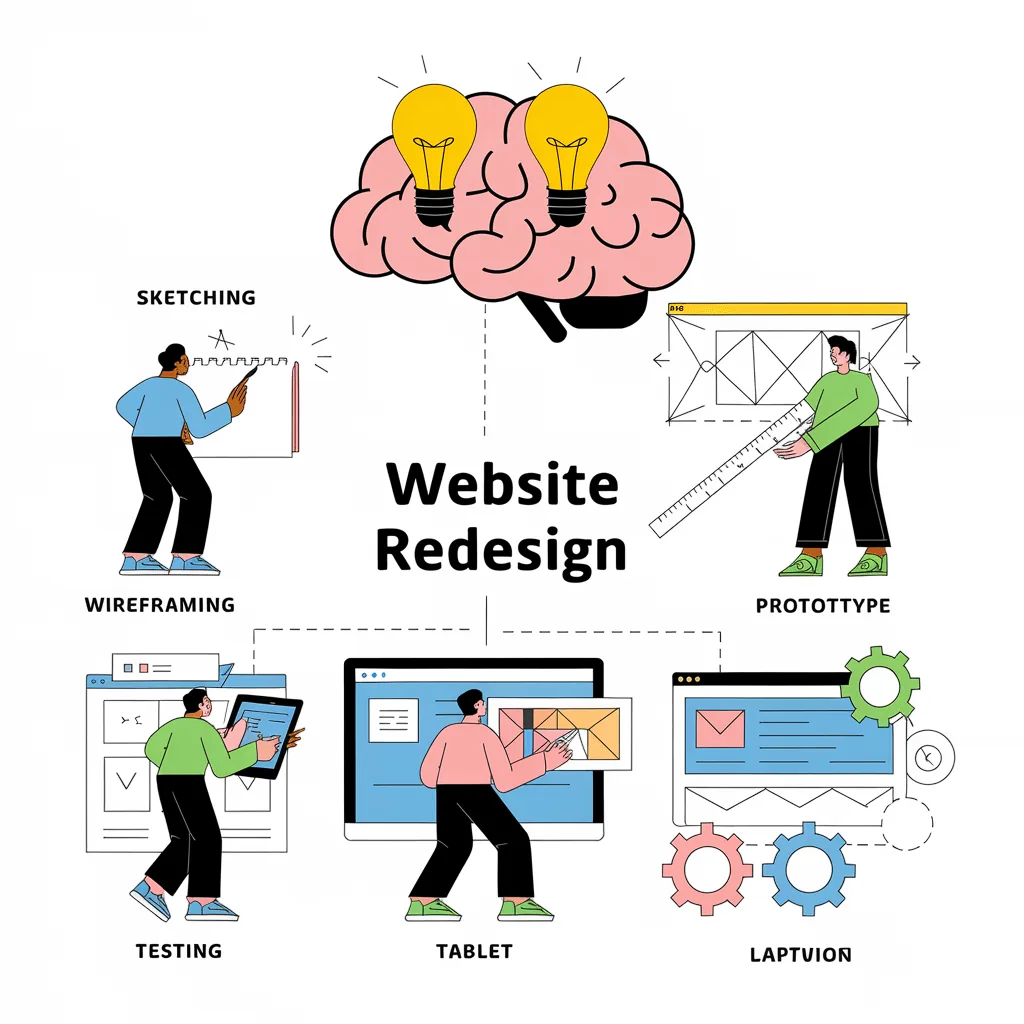
Repair or redesign your Darwin website?
Decide whether a Darwin website needs targeted repairs or a rebuild. Assess service content, mobile problems, editing and the customer enquiry path.
 Robert TicknerWeb design and local SEO
On this page
A dated appearance does not automatically mean the whole website needs replacing. A few focused changes may solve the customer problem. Other sites have a structure or platform that makes those repairs difficult.
Review your Darwin website against the work it needs to do now. Decide what should improve before choosing between a repair, a refresh and a larger rebuild.
Identify the customer problem
List the tasks that fail: finding the right service, reading the page on mobile, checking coverage or sending an enquiry. Give each problem a page and a specific example.
The website audit guide helps turn those observations into a work list. Avoid deciding the solution from the Home page appearance alone.
Check whether content is the main issue
If the structure works but the offer has changed, better content may be enough. Update service descriptions, coverage, pricing explanations and proof. Remove claims the business can no longer support.
If customers keep reaching the wrong page, the navigation or page structure may need a broader change. Content and design should be assessed together.
Review the platform and update process
Can the current site support the changes you need? Does the business have access to update content? Are integrations working and are ongoing costs understood?
A simpler managed site may suit one team, while another needs an editor. The editing comparison helps clarify that requirement before a rebuild is quoted.
Preserve the useful parts
Keep accurate text, relevant images and working customer paths where they still serve the business. Record important URLs and plan redirects if their destinations change.
Do not carry every old page into the new site automatically. Review its purpose, accuracy and relationship to the current services.
Choose a scope you can assess
For a repair, agree on the pages and tasks affected. For a redesign, agree on the new structure, content responsibilities and launch checks. In both cases, define what a successful review will show.
Our Darwin website design service can assess the current site first. The redesign migration guide explains the practical work when a broader change is needed.
Robert Tickner
Web designer, Web Design Studio Darwin
Robert helps businesses plan clear websites, useful service content and practical enquiry routes. He connects the website brief with the customers and work the business wants.
Published .
Business examples are illustrative; they are not reported client results.